GetRating for auto repair shops and dealerships
Auto repair shops use GetRating to ask every customer for a review when the car is handed back: a QR code on the invoice or key tag, and on the Business plan SMS follow-ups to customers who left their phone number. Competitor tracking shows your Google rating next to up to 3 nearby shops.
Best for, and not best for, auto repair shops, tyre centres and car dealerships
Best for
- Independent workshops and tyre centres that compete on Google Maps
- Dealership service departments with several sites
Not the best fit
- Dealer groups that need sales-lead management or a CRM in the same tool
- Shops that only want manufacturer or OEM survey programmes; GetRating does not connect to those
When to ask
When the car is handed back.
Ask every customer at the same moment. Google does not allow asking only the customers you expect to be happy, and GetRating offers every customer your public review links.
How to set it up
- Create a location per workshop and paste its Google review link.
- Print the QR code on the invoice template or a key-tag card.
- On Business, buy SMS credits and set up an SMS follow-up for customers who left a phone number on the feedback form.
- Add up to 3 competitors to see your Google rating next to theirs over time.
- Use private feedback to catch problems with a repair before they turn into a public complaint.
Step-by-step help: getting started, QR codes and review links and review modes.
Features that matter here
| Feature | Plan | Why it helps |
|---|---|---|
| QR code and short link per location | All plans | Fits on an invoice or key tag. |
| SMS review campaigns | Business | Follows up with customers who left a phone number. |
| Competitor tracking | Business | Your Google rating next to up to 3 competitors. |
| Google rating tracking | Growth and Business | Weekly on Growth, daily on Business. |
Which plan: Business, if you want SMS follow-ups and competitor tracking. Free or Growth if the QR code on the invoice is enough. See pricing for current prices.
Keep in mind: SMS campaigns use prepaid SMS credits on top of the Business plan.
What it looks like
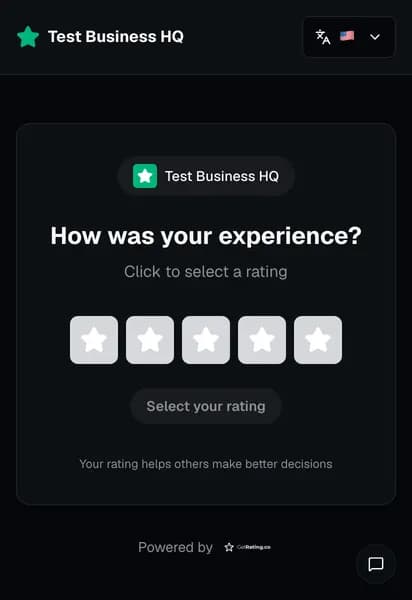
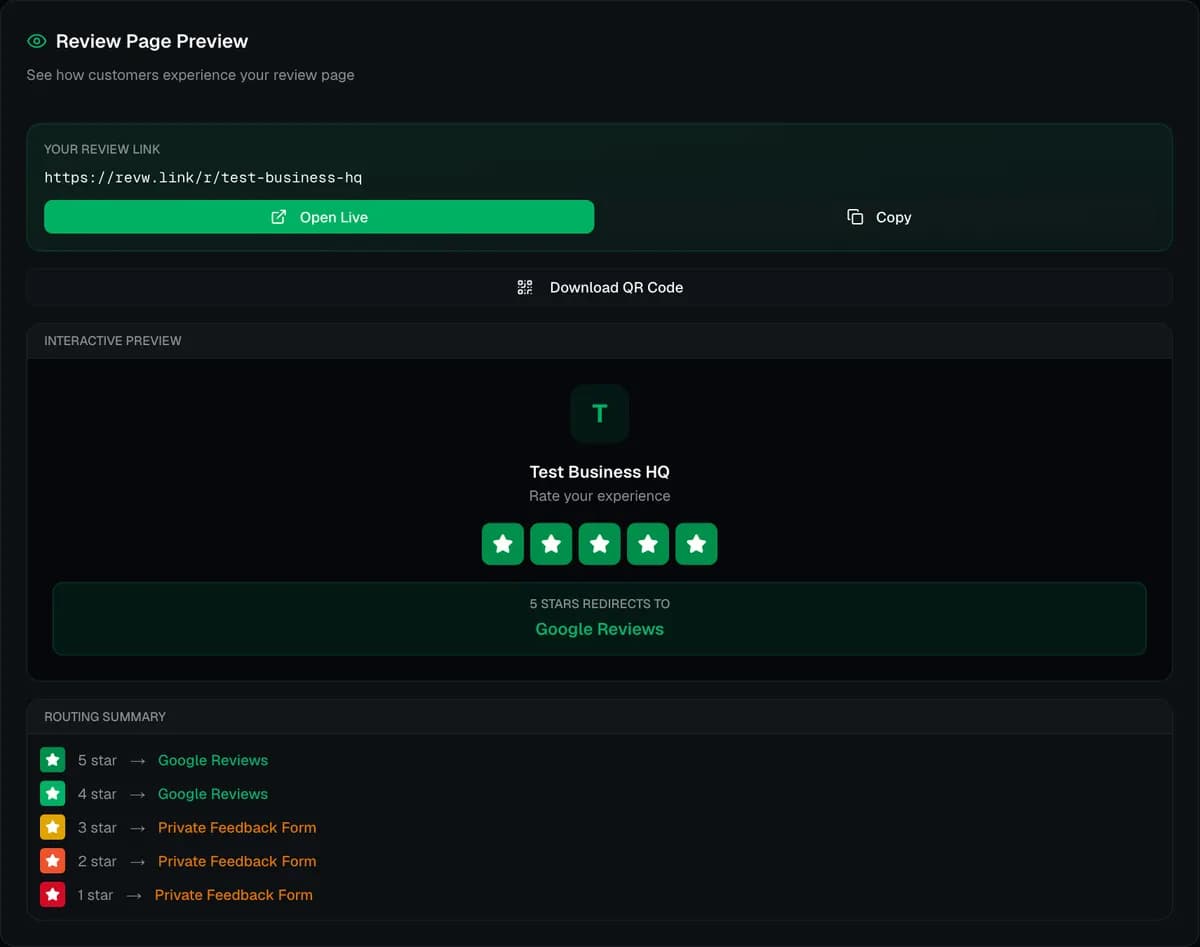
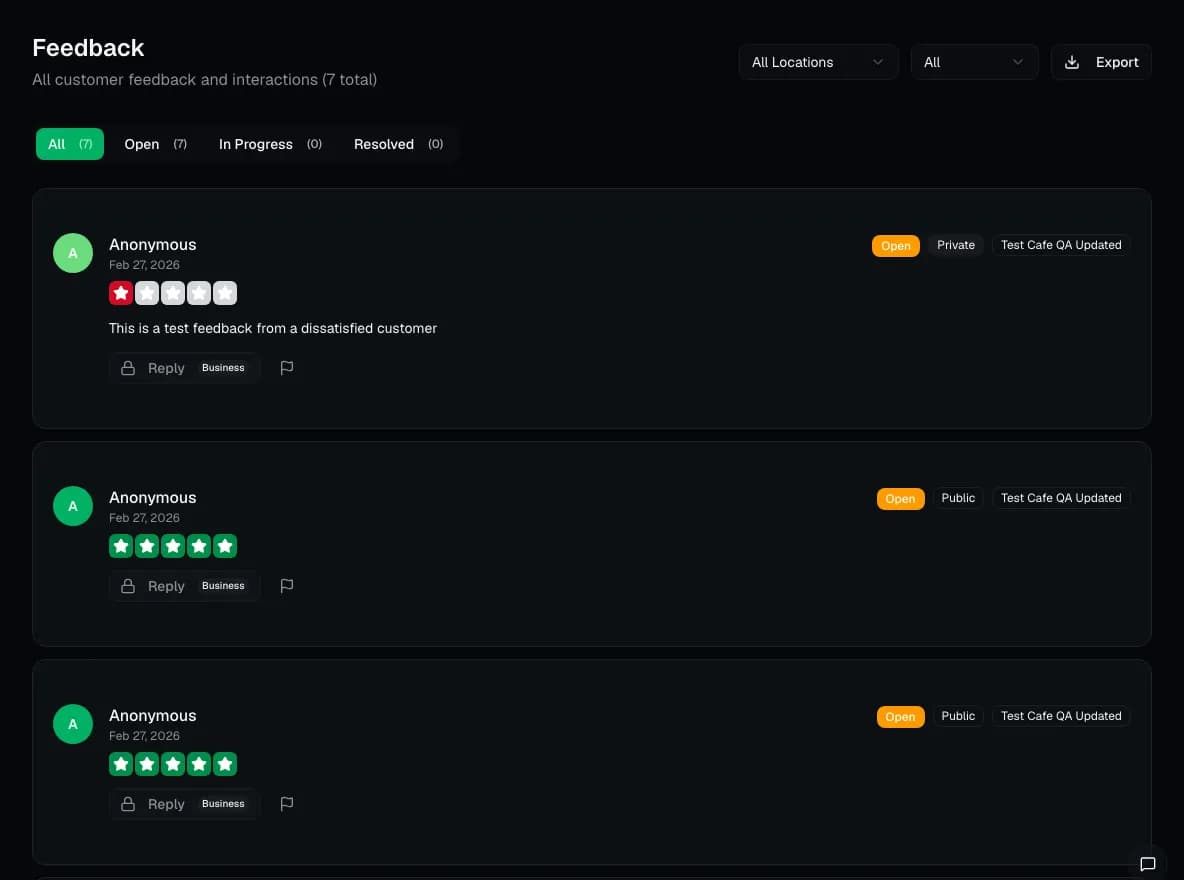
Screenshots are taken from the live GetRating dashboard, logged in to a GetRating test account that holds test data only. Captured .
What we can show today
We have no published customer results for auto repair shops, tyre centres and car dealerships. These are the measured and sourced facts behind the claims on this page:
- Setup time test: sign-up to a downloaded QR code took a median 31 seconds in a scripted run (typing included, reading not).
- Review link test: GetRating's rating screen was ready in a median 3.4 seconds on a slow 4G phone profile; a logged-out Google review link opened the Google sign-in page.
- Review request rules: what Google, Trustpilot, Tripadvisor and Yelp allow when you ask for reviews, quoted from their own policies.
What to measure
We do not publish customer results for auto repair shops, tyre centres and car dealerships yet, so this page makes no promises about rating changes. The dashboard shows the numbers to judge it yourself:
- Ratings per workshop
- SMS sent, delivered and failed per campaign
- Your Google rating against tracked competitors
Review request templates for this use case
- Automotive Service Follow-Up (email): For auto repair shops, dealerships, and car service providers.
Frequently asked questions
Do SMS review requests cost extra?
Yes. SMS campaigns are on the Business plan and use prepaid SMS credits that you buy in the dashboard.
How many competitors can I track?
Up to 3, on the Business plan. GetRating tracks their public Google rating over time.